Meet SAES
Scan Analyze Execute System
If the full sXSuite toolkit has felt like a lot, that's normal, and it's not you. The most common feedback from new trials is feeling overwhelmed, almost always because someone's trying to build an entire trading system out of the indicators, instead of using a focused few to sharpen the system they already have.
SAES is the fix: three steps, five tools, one repeatable process.
| Step | Tool(s) | Job |
|---|---|---|
| Scan | sX Radar LIVE / sXRadar, sX ADAPT Radar | No watchlist? Radar LIVE / sXRadar builds one from actionable signals. Already have one? Import it into sX ADAPT Radar to scan for setups on tickers you already know. |
| Analyze | sX ADAPT, sX MTF Trends, sX OHLC, sX STRATs | ADAPT draws the ladder. MTF Trends identifies the stronger trend and sets directional bias. OHLC and STRATs confirm whether that level actually matters. |
| Execute | sX ADAPT, sX Options Analyzer | Enter, stop, and target off the ladder. Options traders translate it into real contract numbers. |
Step 1: Scan
Scan answers one question: where should you even look?
No watchlist yet? sX Radar LIVE (or sXRadar on TradingView) scans for actionable signals across a far bigger list than you'd ever check by hand, and hands you back a short one.
Already have a watchlist you trust? Import it into sX ADAPT Radar to scan for setups on stocks you already know, instead of starting from a stranger's list.
Either way, your only task here is the same: end up with 1 to 6 tickers. Don't dig into any of them yet, that's the next step.
Both paths lead to the same place: 1 to 6 tickers with something active right now, ready for Analyze.
Step 2: Analyze
You've got 1 to 6 tickers. Analyze answers the next question: is there actually a real level here, and where does it go, trigger, or stop?
Check the trend
Open sX MTF Trends first. Its job is identifying the stronger trend and establishing your directional bias, before you look at any specific level, so you're not fighting the trend on the very first step.
Read the ladder
Open sX ADAPT on the ticker. This is your primary read, the ladder: Base, Stop, Entry, TP1, TP2. In Auto mode, ADAPT already tells you the Setup Type, so there's nothing to decide there.
Confirm it with confluence
Cross-check it against sX OHLC (higher-timeframe reference levels) and sX STRATs (prior-bar high, low, and midpoint). Levels agree, stronger trade. Levels don't agree, size down or skip.
One filter matters most: high Progress plus low Move Left means the move already happened. Skip it, no matter how clean the ladder looks.
Step 3: Execute
You've scanned, you've analyzed, the levels agree. Execute is where it stops being analysis and becomes mechanical.
Follow the ladder
sX ADAPT's ladder is the plan. Enter when price actually reaches Entry, stop exactly where it's drawn, partial size at TP1, ride the rest to TP2.
Trading options
Want that translated into real contract numbers matched to your own risk? Run it through sX Options Analyzer.
That's the full system. Scan finds where to look. Analyze confirms it's worth acting on. Execute is just following the plan you already built.
Proof: Real Members
sXADAPT and SAES Session · Tips, Tricks & Real Results
A live walkthrough of the SAES system, real member feedback, and open floor time built in for you to trade tips with each other.
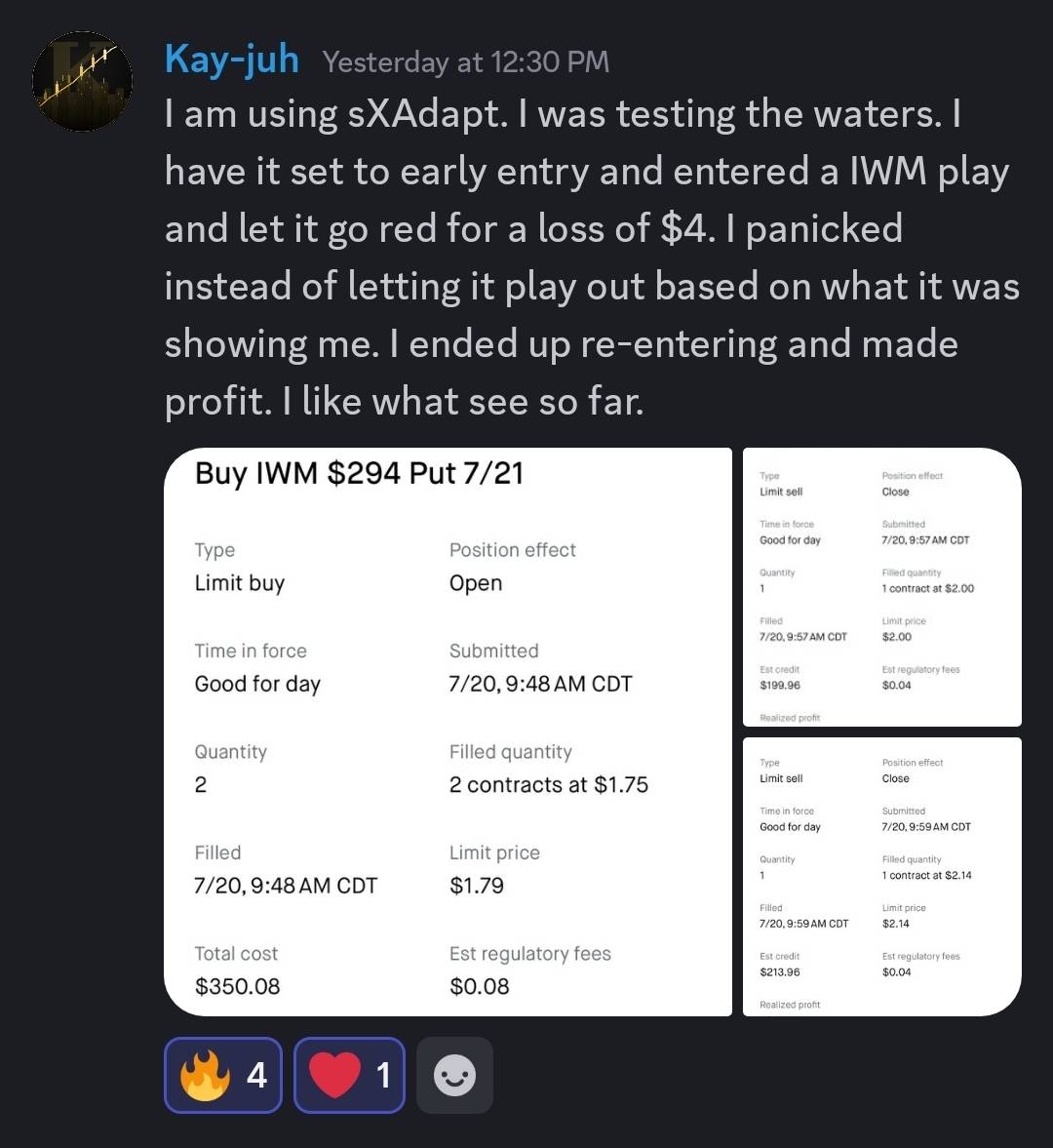
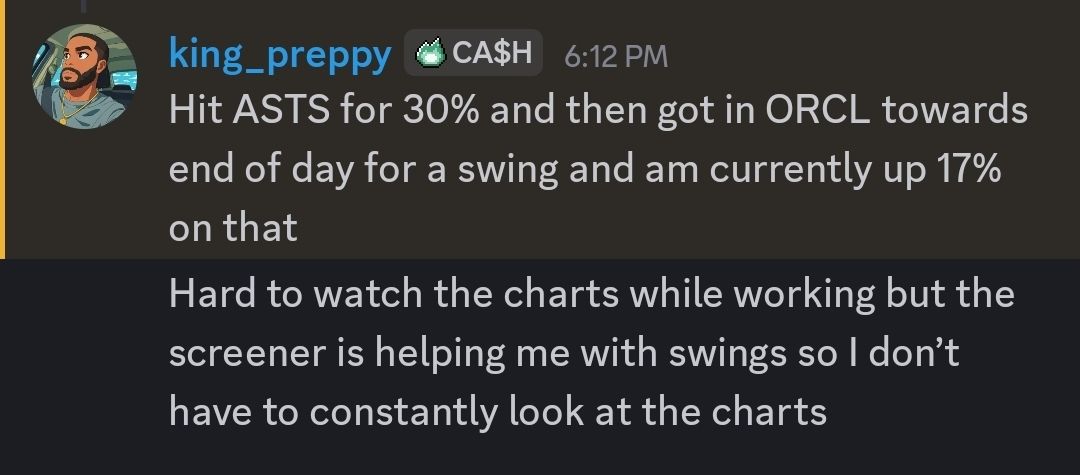
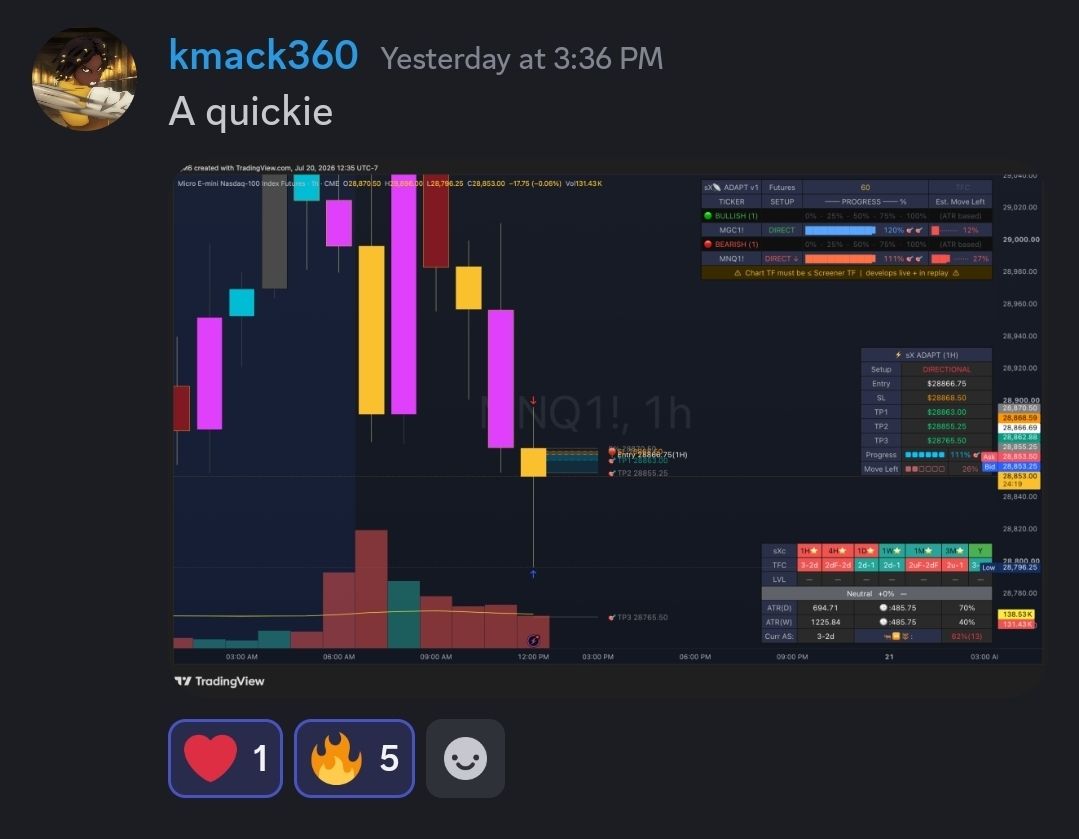
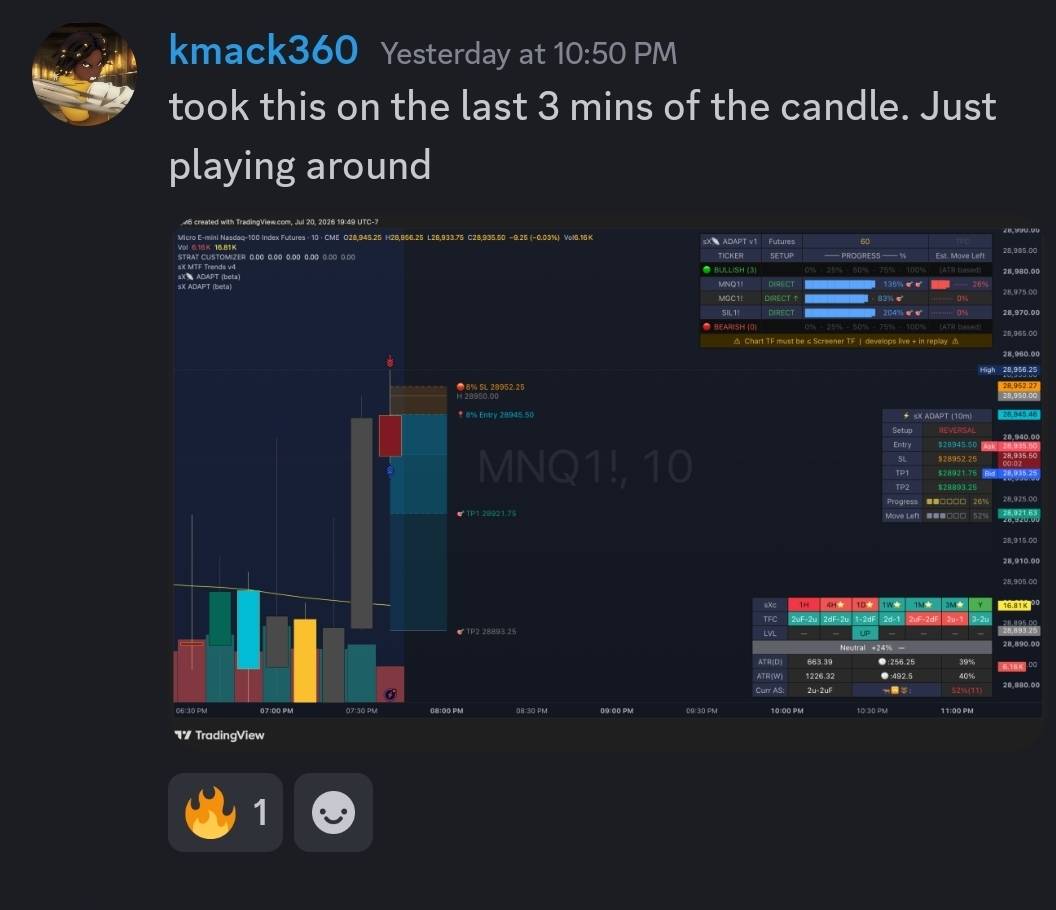
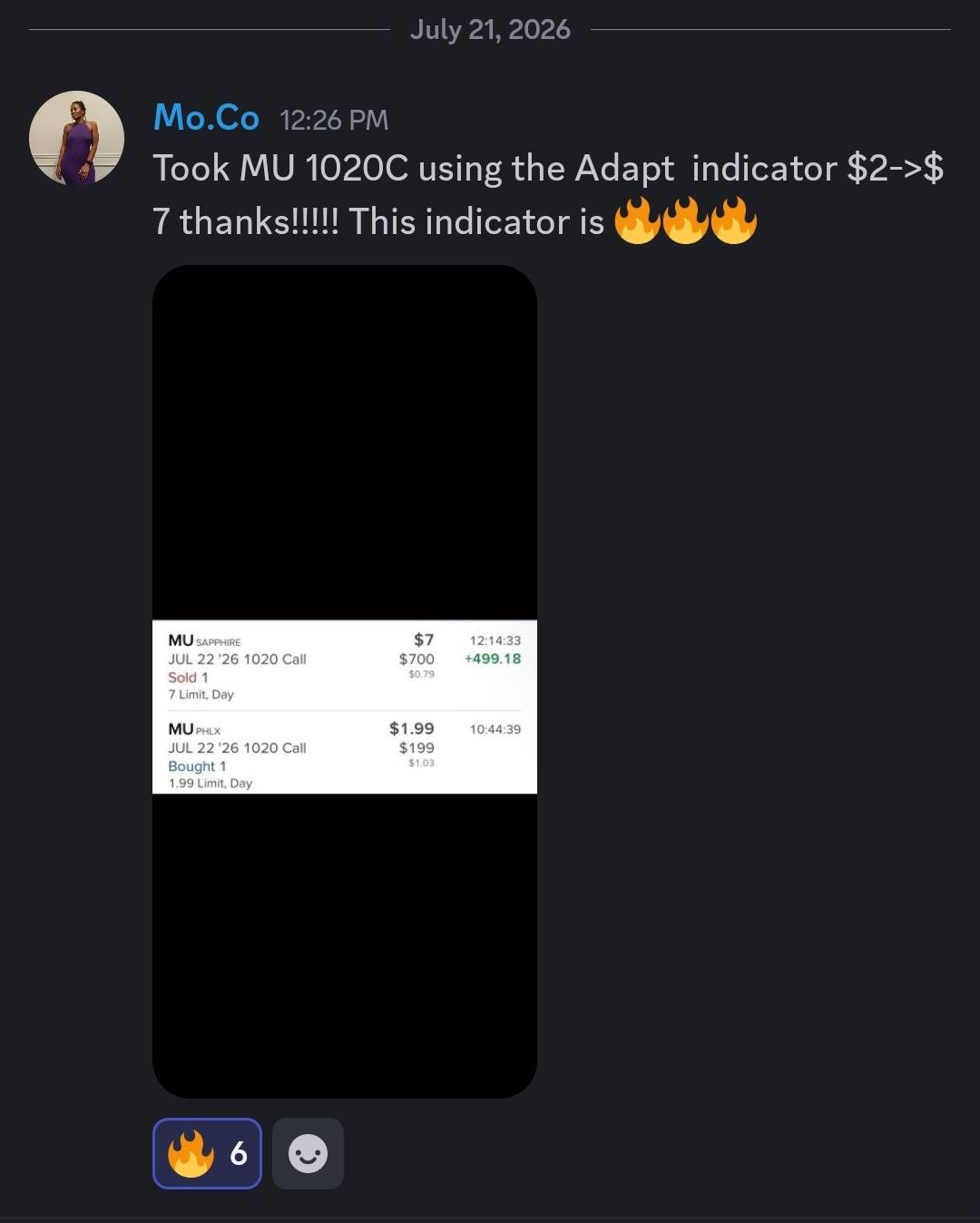
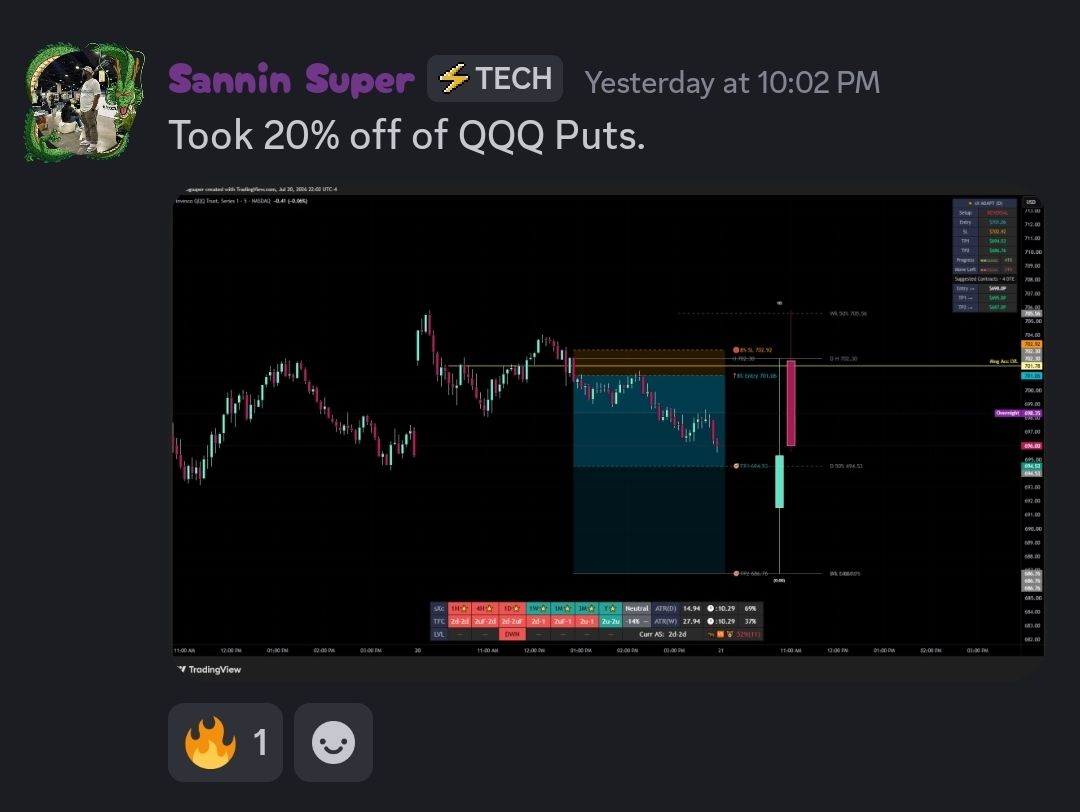
SAES isn't theory. The members already posting real results in this beta weren't doing anything more complicated than the three steps you just walked through.
Get Started
Run SAES. Then lock in the price.
Convert before your trial ends and before August 1st, and you lock $30/month with full Pro access for 6 months, before Essential moves to $39/month and Pro moves to $79/month.